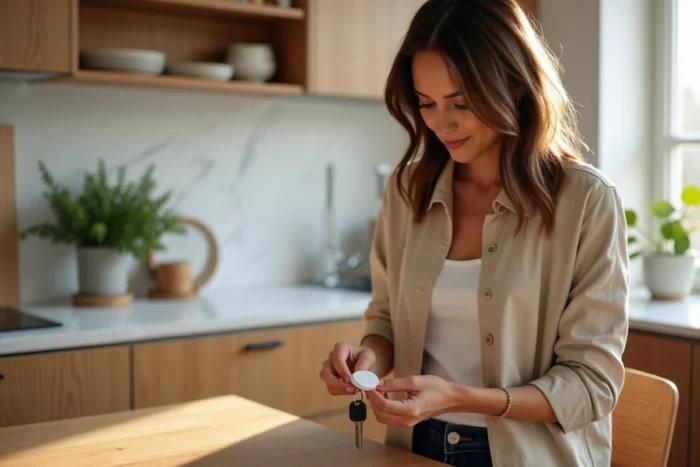
You place your keys on the entrance cabinet, your wallet on the kitchen table, and your remote control between two cushions on the sofa. The next morning, none of these items are where you think you left them. Tracking everyday objects relies on a simple principle: attach a small Bluetooth accessory to each item you regularly misplace, then use a location app to find it in seconds.
Separation alerts and recurring forgetfulness: the real criterion for choosing a tracker
Most Bluetooth trackers can locate a lost item. Finding your keys that fell behind a piece of furniture is something everyone does with an AirTag or a compatible Google equivalent. The difference lies elsewhere.
Have you ever left your home forgetting your bag, only to realize it at the office? This type of situation is what Rabbit Finder primarily targets. The app sends a separation alert as soon as you move away from a tracked item, even before the forgetfulness becomes an issue.
On this point, as detailed by the Rabbit Finder tool on Blog du Net, managing notifications makes all the difference between a useful tracker and an annoying gadget. An alert that triggers every time you place your keys on your desk at work eventually gets disabled. Rabbit Finder allows you to set trusted zones (home, office, car) where alerts are automatically suspended.
This contextual filtering reduces noise without sacrificing vigilance. When you leave a trusted zone without the associated item, the notification reactivates. The result: fewer unnecessary alerts, more responsiveness to real forgetfulness.
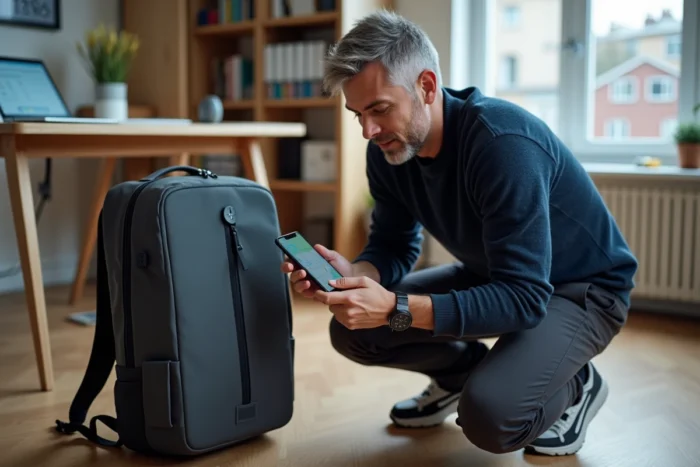
Rabbit Finder versus AirTag and Google solutions: compatibility and network
The object tracking market is divided into two main ecosystems. On one side, Apple with its AirTag and the Find My network. On the other, Google with its Find My Device network, compatible with a wide range of Android devices.
Rabbit Finder takes a different approach. The app works with multiple types of Bluetooth accessories, without locking the user into a single ecosystem. Do you use an Android phone daily and an Apple tablet at home? Tracking remains consistent across both devices.
Bluetooth range and community network
A standard Bluetooth accessory locates an object within a range of a few dozen meters. Beyond that, the position depends on the network of users who pick up the tracker’s signal nearby.
- AirTags rely on Apple’s Find My network, powered by hundreds of millions of active iPhones worldwide
- Google Find My Device uses the Android ecosystem, larger in volume but whose location network deployment is still recent
- Rabbit Finder combines direct Bluetooth connection with a notification system that prioritizes preventing forgetfulness rather than just searching after loss
The strength of Rabbit Finder does not lie in the size of its network. It lies in the logic of prevention: it’s better to never lose an item than to have to find it.
Personal data protection and connected objects in 2026
Constantly locating an object involves collecting position data. This is a point that many users overlook when choosing a tracker.
The Cyber Resilience Act, which came into effect in 2026, imposes new security obligations on manufacturers of software and connected objects. Security updates must be provided throughout the product’s lifespan. Known vulnerabilities must be fixed within specified timeframes.
This European regulation changes the game for tracking applications. A tracker that no longer receives updates becomes a risk to its user’s privacy. Location data, if intercepted or poorly protected, reveals daily habits, routes, and frequented places.
What Rabbit Finder manages regarding data
The app limits data collection to the information necessary for tracking functionality. Position data is not shared with third parties for advertising purposes, a point explicitly confirmed by the app’s Google Play listing.
Compare this with some free trackers that monetize location data with advertising agencies. The business model of a tracking app directly determines the level of data protection. If the service is free and ad-free, check how it is funded.

Practical setup of Rabbit Finder for effective tracking
Installing a tracker on each item is not enough. The effectiveness of tracking depends on the initial setup.
Start by identifying the items you misplace most often. For most users, the list boils down to three or four items: keys, wallet, bag, remote control. There’s no need to multiply Bluetooth accessories on items you never lose.
Setting trusted zones
Define at least two trusted zones in the app: your home and your workplace. These zones deactivate separation alerts when you deliberately place a tracked item down. Without this setting, you will receive notifications every time you leave your keys in the entrance, making the system unusable in less than a day.
- Home zone: covers the residence and possibly the garage or garden
- Office zone: prevents false alerts when you leave your bag at your desk
- Vehicle zone: useful if you regularly leave items in the car without it being a forgetfulness
Once the zones are configured, test the system for a few days before adding new items. Adjust the perimeter of the zones if alerts trigger too often or not enough.
Everyday object tracking works when it integrates into your habits without disrupting them. A good location tool is one that you forget you installed, until it saves you from spending twenty minutes searching for your keys before leaving.